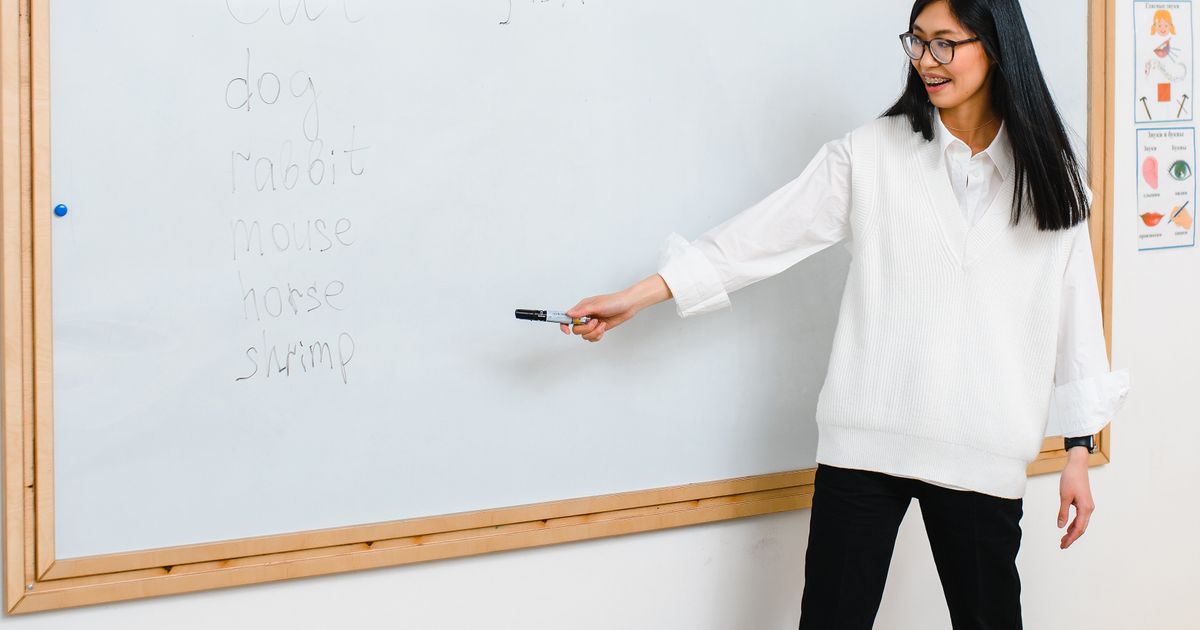
AI Presentations for Educators: A Quick Start
Teachers can turn a lesson outline into a ready-to-present deck — here is a workflow that respects class time and stays editable.
From lesson plan to slides
Educators are short on time and long on content. An AI-assisted workflow lets
you go from a rough outline to a presentable deck, then keep full control.
A teacher's workflow
- Paste your learning objective and 3–5 key points.
- Generate a first draft and trim it to one idea per slide.
- Swap in your own examples, diagrams, and images.
- Export to PPTX so you can present offline and edit later.
Keep it honest
- Review every generated claim before class.
- Add the slide that only you can explain — your insight is the value.
- Leave room for discussion; a deck supports the lesson, not the reverse.
The goal is less time formatting and more time with students.
Ready to create your own presentation?
SlidePilot turns your topic into a polished PPTX deck with AI-generated visuals — no design skills needed. Start free with 50 credits.
Keep reading
 Guides
Real Photos, No Watermarks: Web Image Search for Your Deck
When an AI illustration is not the right fit, SlidePilot searches the web for a real photo that matches the slide — filtering for relevance, blocking duplicates, and removing watermarks before a single image reaches your deck.
 Guides
Math Formulas as Transparent PNGs: Equations That Render Everywhere
Paste a document with LaTeX equations and every formula is rendered offline into a crisp transparent PNG — sized and colored to match the surrounding text, and identical in PowerPoint, Keynote, Google Slides, and WPS.
 Guides
What's New: Image-Led Decks and Faster Exports
A short product update — improved PNG to PPT handling, cleaner exports, and a friendlier editor for publishing posts like this one.