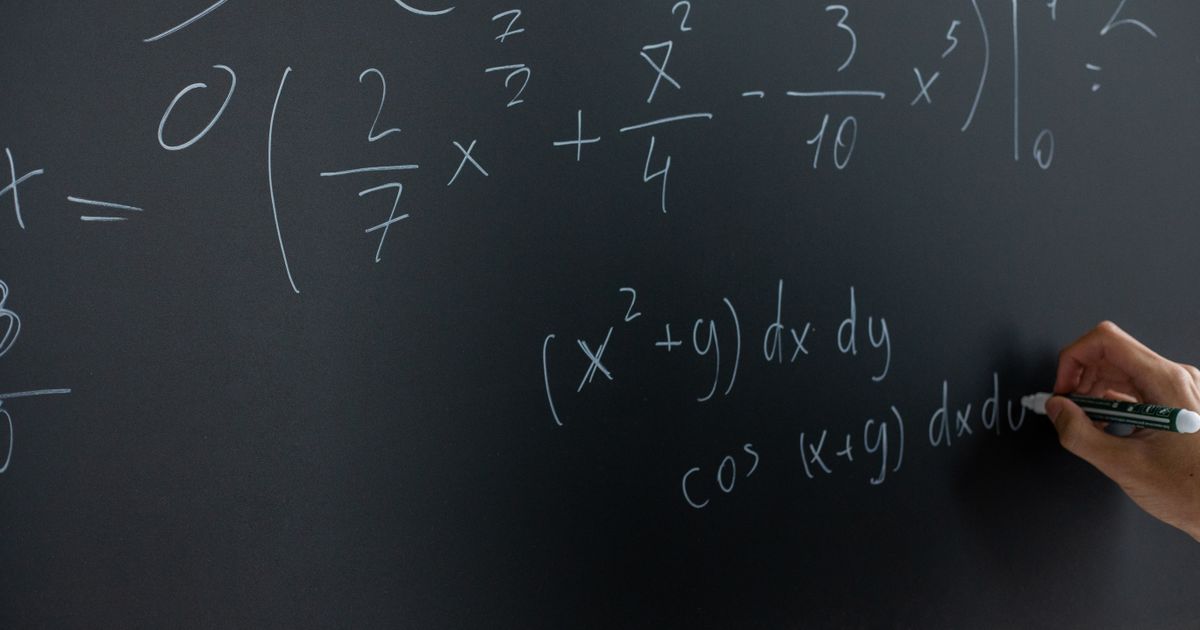
Math Formulas as Transparent PNGs: Equations That Render Everywhere
Paste a document with LaTeX equations and every formula is rendered offline into a crisp transparent PNG — sized and colored to match the surrounding text, and identical in PowerPoint, Keynote, Google Slides, and WPS.
Equations are where slide tools quietly break
Formulas are the hardest thing to move from a document onto a slide, and most tools get it wrong in one of three ways:
- Plain text flattens the structure. Fractions collapse into
a/b, subscripts drift off their variables, and the spacing aroundΣ,lim, and∫falls apart. - Native equation objects do not survive every viewer. WPS and several web-based viewers silently drop embedded equation objects — your audience sees a hole where the math should be.
- Screenshots bring their own white background in a box that clashes with your theme, blur when scaled up, and match no font on the slide.
A formula becomes a transparent PNG
SlidePilot takes a fourth path. Formulas in your source text — inline $...$ or block $$...$$ — are kept character for character: never rewritten, translated, or merged. The planner assigns each formula to the slide where it belongs, and then:
- The formula is rendered offline at high resolution — real fractions stacked on a rule, real subscripts and superscripts, matrices in brackets, limits under the operator.
- The render is a transparent PNG: no background box, no white rectangle. Your slide's theme shows through, so it sits natively on light, dark, or gradient templates.
- It is placed in position on the slide, inheriting the font size, color, and weight of the surrounding text — an inline formula reads as part of the sentence it lives in.
- Long expressions wrap to the width of the text box instead of shrinking the font, so a wide derivation stays legible instead of becoming a thin ribbon.
One file, five viewers, one result
Because the formula is an image, it renders identically in PowerPoint, Keynote, Google Slides, WPS, and LibreOffice — the same glyphs, the same spacing, the same alignment, on every machine that opens the file. Zoom in and it stays crisp; the render is made for the size it occupies, not stretched after the fact.
Still searchable, still copyable
An image-only approach usually means the math is locked away. Not here: every formula image keeps an invisible plain-text twin inside the file, so copying text out of the deck, searching it, or quoting it in notes does not lose the mathematics.
Built for teaching and technical decks
This chain was designed for the decks where formulas are the point, not decoration:
- Lessons and coursework — derivations that must look right on the classroom projector.
- Engineering and science reports — transfer functions, identities, and definitions that survive every reviewer's viewer.
- Finance and analytics — summations and growth models that keep their structure.
Try it
Paste lecture notes, a paper section, or any document that contains LaTeX into Text to PPT. The outline step shows each formula where it will land; generate the deck and every equation arrives as a clean, transparent, perfectly placed image.
Ready to create your own presentation?
SlidePilot turns your topic into a polished PPTX deck with AI-generated visuals — no design skills needed. Start free with 50 credits.
Keep reading
 Guides
Real Photos, No Watermarks: Web Image Search for Your Deck
When an AI illustration is not the right fit, SlidePilot searches the web for a real photo that matches the slide — filtering for relevance, blocking duplicates, and removing watermarks before a single image reaches your deck.
 Guides
What's New: Image-Led Decks and Faster Exports
A short product update — improved PNG to PPT handling, cleaner exports, and a friendlier editor for publishing posts like this one.
 Guides
10 Presentation Ideas That Actually Hold Attention
A short list of structural ideas — problem-first openers, contrast pairs, the rule of three — that keep an audience engaged.