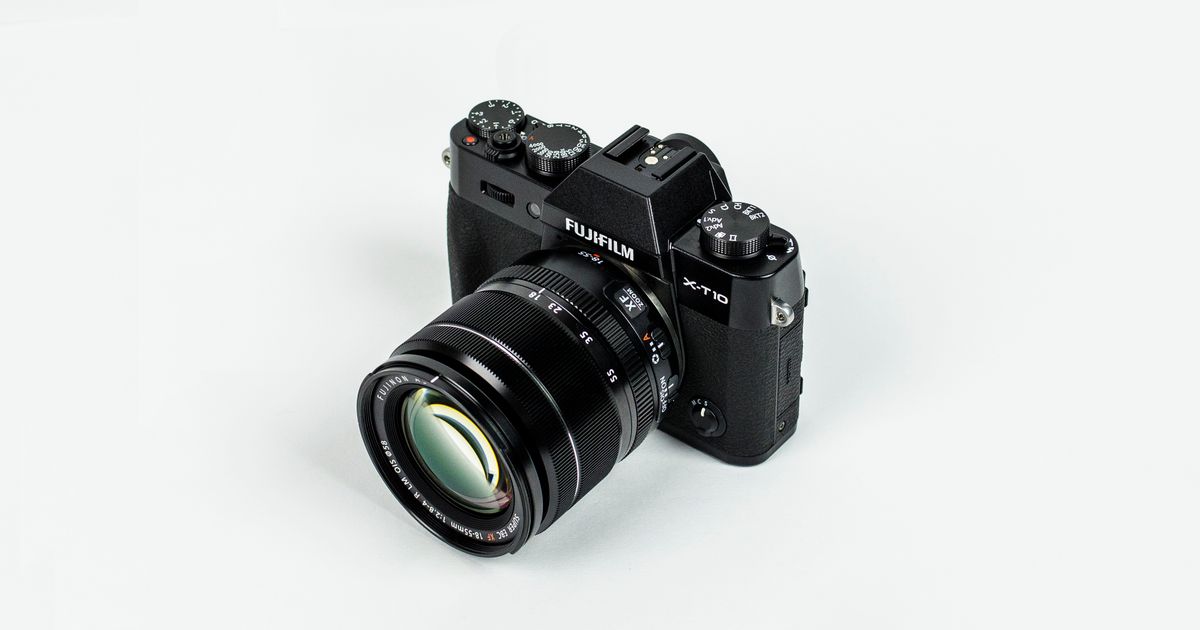
Real Photos, No Watermarks: Web Image Search for Your Deck
When an AI illustration is not the right fit, SlidePilot searches the web for a real photo that matches the slide — filtering for relevance, blocking duplicates, and removing watermarks before a single image reaches your deck.
Not every slide wants an AI picture
Text to PPT has always been able to illustrate a slide: read the content, generate a picture that fits the theme. That works beautifully for abstract concepts — growth, collaboration, strategy. But sometimes a slide is about something real: a city skyline, a piece of machinery, a historical photograph, a recognizable landmark. For those slides an AI approximation feels subtly wrong, and the alternatives are all painful. Stock libraries cost an afternoon of searching, and images pulled straight from the web arrive with watermarks stamped across them.
So we added a web image search pass that runs automatically after illustration generation.
How the search-and-clean pass works
Every slide that carries an illustration goes through a six-step pipeline:
- The slide writes its own query. The slide's headline and key points become the search context — no manual keywords, nothing to configure.
- Real photos are searched. The context goes to web image search and returns photographs of the actual subject.
- Relevance filtering. Candidates that do not match the slide's content are discarded. A slide about Tokyo does not settle for a generic skyline.
- A duplicate guard. Exact copies and visually near-duplicate photos are blocked, so the same image never appears twice in one deck.
- Watermark removal. Overlays and semi-transparent logos are cleaned off the image before it is considered.
- Swap-in only on success. The searched photo replaces the AI illustration only when every step above passed.
If any step fails, the original AI illustration simply stays in place.
Why the fallback matters
The pass is strictly an upgrade, never a risk:
- Your deck is never blocked. Search, filtering, and cleanup all run after the deck is otherwise complete — a slow or empty search cannot delay your download.
- A watermarked image is never swapped in. Cleanup has to succeed before the photo is used; otherwise the clean AI illustration stays.
- There is always a picture. Each image slide ends with either a relevant real photo or a fitting generated illustration — never a placeholder.
When real photos win
- Concrete subjects — cities, landmarks, machinery, plants and animals, lab equipment, industrial scenes.
- Recognizable contexts — a hospital ward, a classroom, a trading floor, a construction site.
- Editorial realism — anything where readers can tell an AI render from a photograph at a glance.
When the AI illustration stays
Abstract ideas, metaphors, and brand-styled visuals still come from generation — a photo of "synergy" does not exist, and AI illustrates it better than any stock library can.
Try it
Nothing to toggle. Paste a document into Text to PPT, keep illustrations on, and generate. Watch the image slides: the ones about real things now carry real, watermark-free photographs — sourced, checked, and cleaned for your deck.
Ready to create your own presentation?
SlidePilot turns your topic into a polished PPTX deck with AI-generated visuals — no design skills needed. Start free with 50 credits.
Keep reading
 Guides
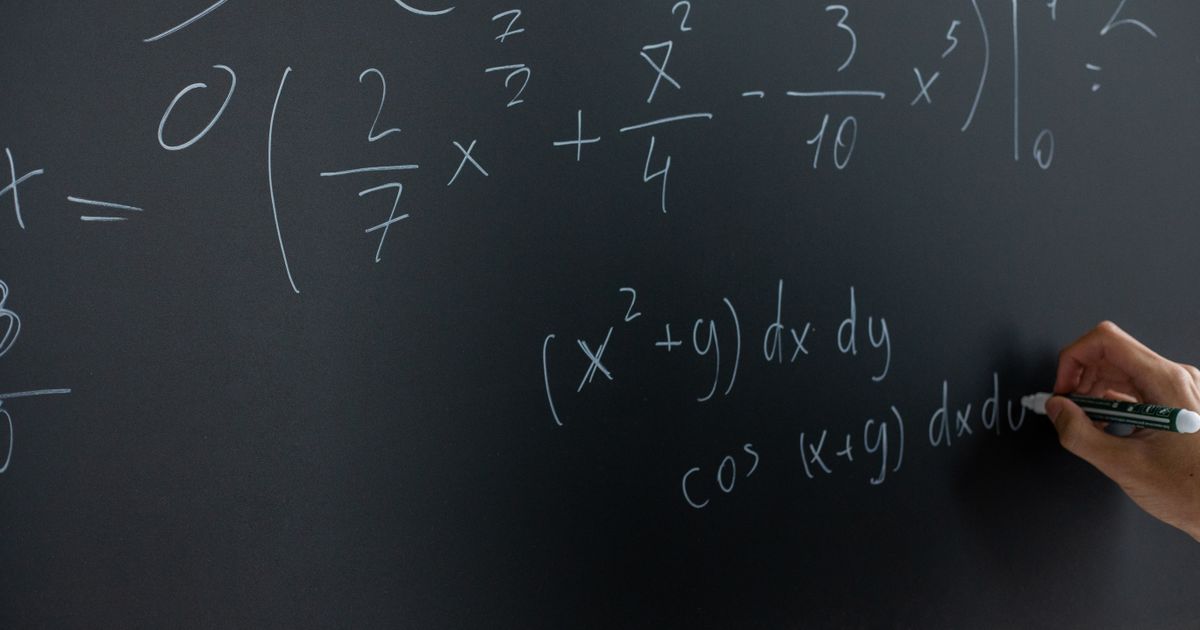
Math Formulas as Transparent PNGs: Equations That Render Everywhere
Paste a document with LaTeX equations and every formula is rendered offline into a crisp transparent PNG — sized and colored to match the surrounding text, and identical in PowerPoint, Keynote, Google Slides, and WPS.
 Guides
What's New: Image-Led Decks and Faster Exports
A short product update — improved PNG to PPT handling, cleaner exports, and a friendlier editor for publishing posts like this one.
 Guides
10 Presentation Ideas That Actually Hold Attention
A short list of structural ideas — problem-first openers, contrast pairs, the rule of three — that keep an audience engaged.